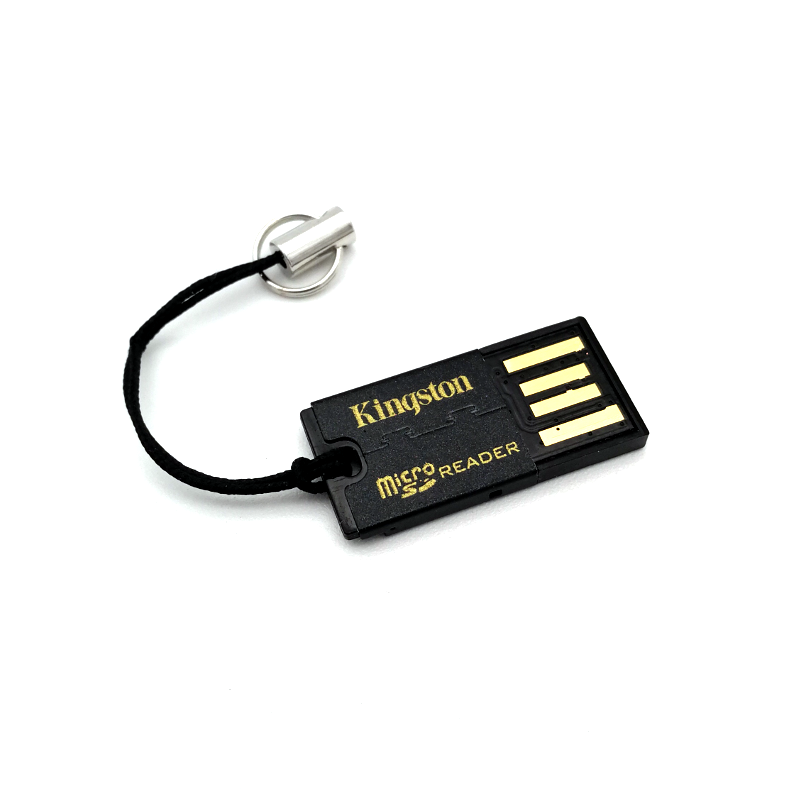
Micro SD card is used as a storage for many Single Board Computers (SBC) and smartphones. This little card reader/writer makes it easy to do files transfer between a micro SD card and other device. You can also use it with a standard USB port on a computer.
We use it quite often when we want to install a new OS image for our Raspberry Pi, Odroid, Tinker Board or BeagleBone. We also use it when we want to backup contents from our mobile phones or when we want to transfer photos from our digital camera.
There is an attachment loop that you can use to attach the reader to your key ring or a lanyard. Near the attachment loop, there is a slot for you to insert the micro SD card.
We have tested that this reader supports Odroid eMMC with microSD adapter module.
* microSD card is not included
Features:
Reads and writes microSD/microSDHC/microSDXC card
No driver needed - auto detected as USB Mass Storage
Supported in Windows, MacOS and Linux platform
Compliant with USB 2.0, SD Card Association specification
High speed data transmisson up to 480Mbps
Standard USB interface supported (USB2.0 or USB3.0 port)
USB2.0 standard compliant, backward compatible with USB1.1